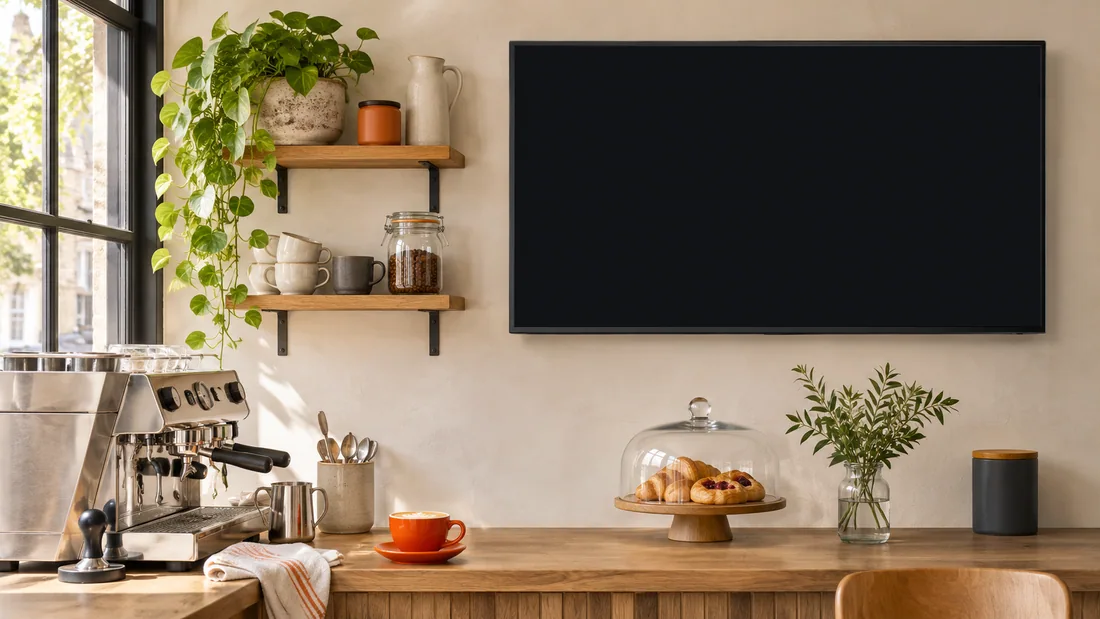
Examples

Give your content a bigger stage.

A readable menu. An offer with presence. A useful welcome. Explore different screen jobs and find the direction that suits your business.
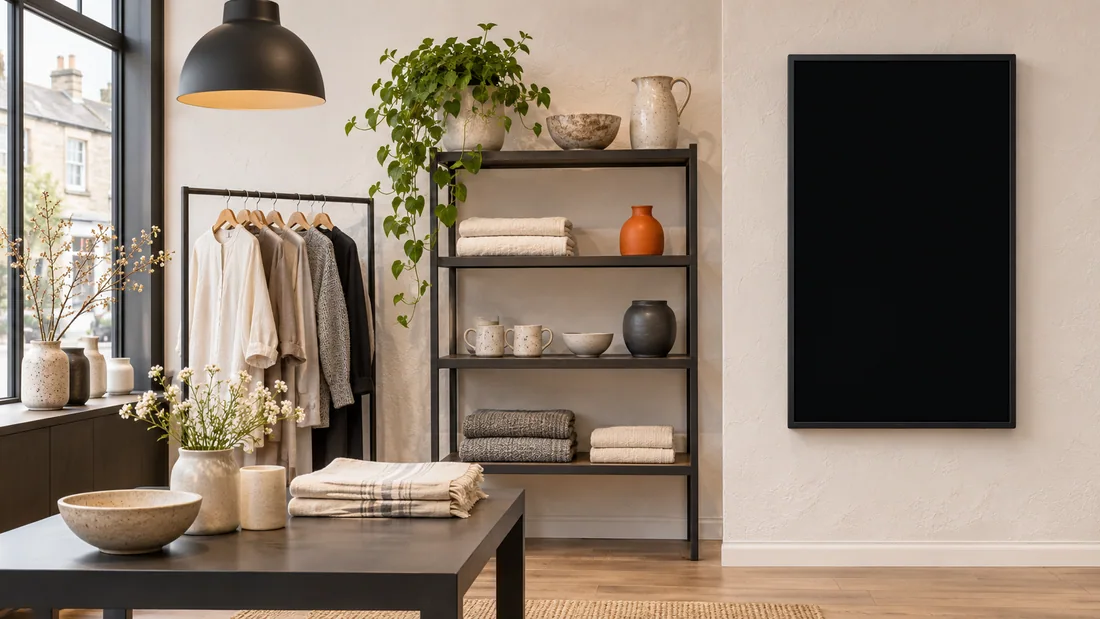
Illustrative independent shop with a portrait collection display
FIELD & FORMA fresh
perspective.

EVERYDAY OBJECTS.
THOUGHTFULLY CHOSEN.
EXPLORE THE NEW COLLECTION
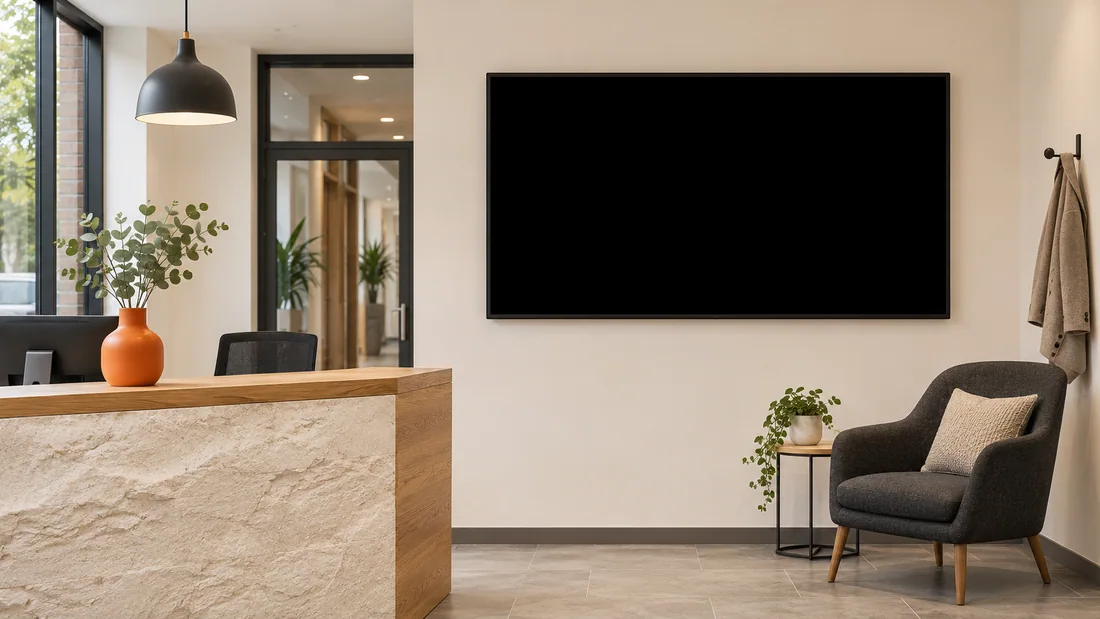
Illustrative reception with a welcome display
THE WORKROOMGood to
see you.

Make yourself comfortable.
We’ll be with you shortly.

Illustrative venues. Your content, in your own brand.
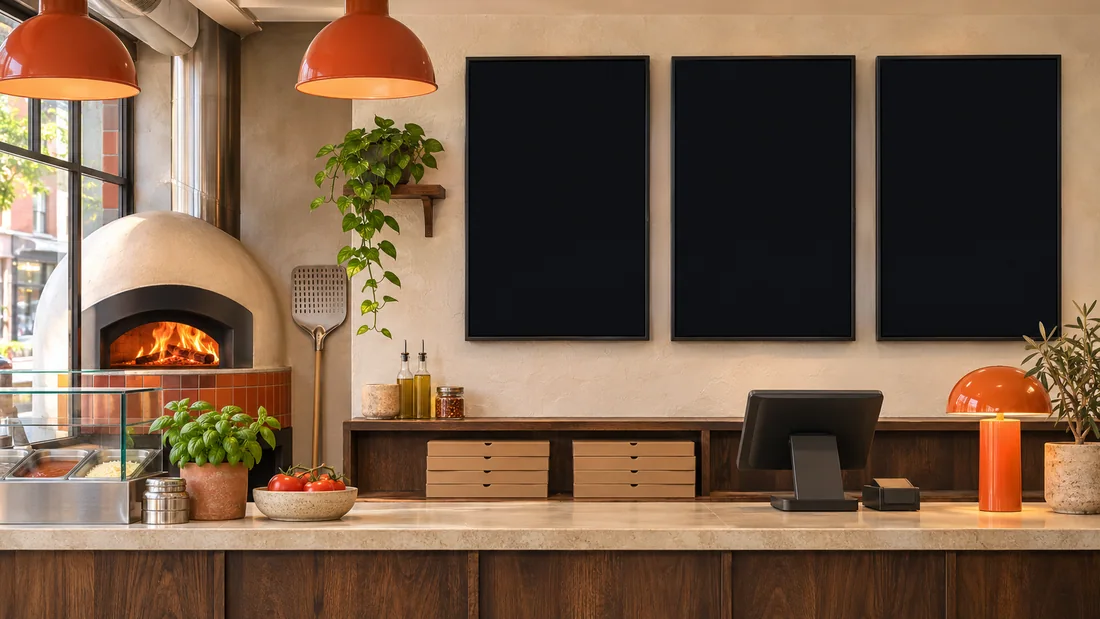
Illustrative pizzeria with three digital menu screens above the counter
THE PIZZA KITCHENMade fresh.
Worth a slice.

STONE-BAKED PIZZAS · 12″ / 16″

Margherita
£10.50 / £14.50
Pepperoni
£12.50 / £16.50
Garden party
£11.50 / £15.50
GOOD FOOD. GOOD COMPANY.
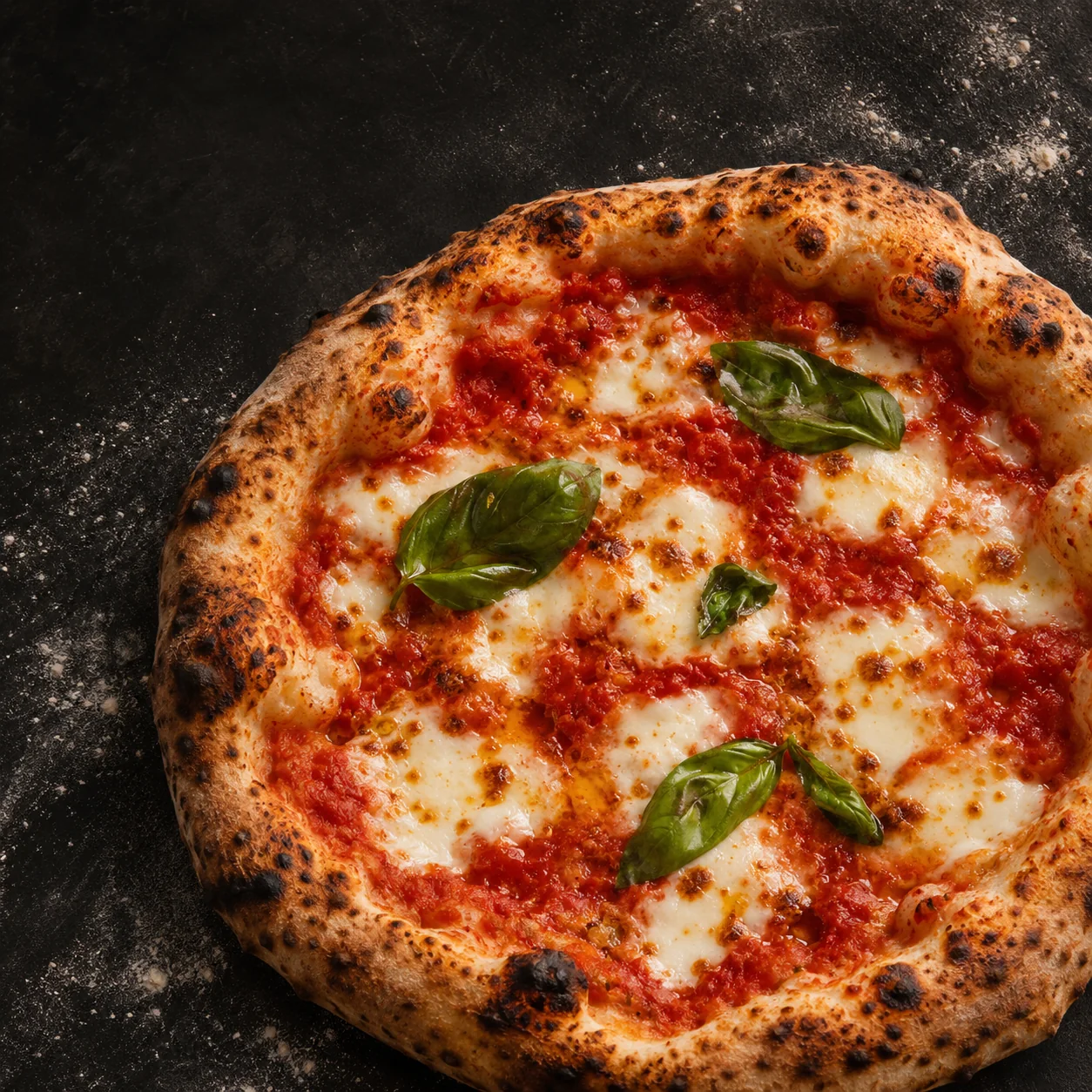
Margherita pizza in a fictional promotionTHE PIZZA KITCHENFresh from
the oven.
Made for
another slice.
THE PIZZA KITCHENLunch,
sorted.
£12

A pizza. A drink.
A proper break.

MON–FRI · 12–4PM

The menu behind the counter.

Keep names, sizes, prices and availability clear.

Explore this use
Illustrative café with a landscape menu and promotion screen
THE DAILY GRINDYour daily
good thing.

Fresh coffee.
Something delicious.

Coffee + pastry £5.50
Coffee and pastry in a fictional café screen design

The offer for this part of the day.

Schedule breakfast, lunch and the next seasonal favourite.

Explore this use
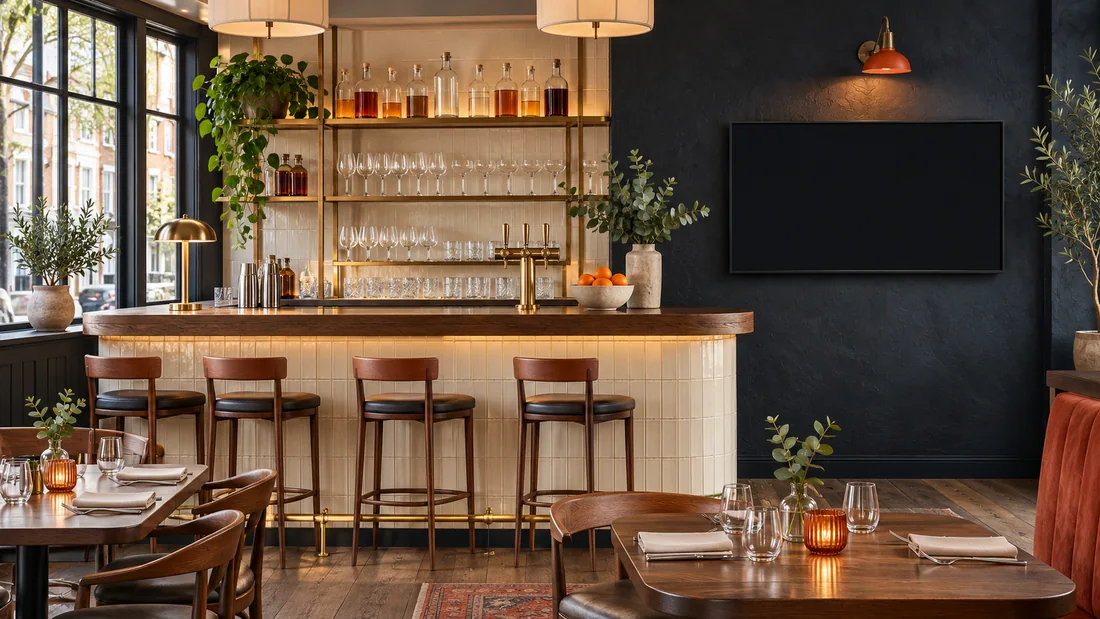
Illustrative restaurant bar with a promotion display
THE PIZZA KITCHENLunch,
sorted.
£12

A pizza. A drink.
A proper break.

MON–FRI · 12–4PM

A little more appetite.

Give a special, a drink or a new dish its own moment.

Explore this use
Illustrative independent shop with a portrait collection display
FIELD & FORMA fresh
perspective.

EVERYDAY OBJECTS.
THOUGHTFULLY CHOSEN.

EXPLORE THE NEW COLLECTION

The next thing worth discovering.

Bring new collections and product stories into the shop.

Explore this use
Illustrative reception with a welcome display
THE WORKROOMGood to
see you.

Make yourself comfortable.
We’ll be with you shortly.

A welcome with a purpose.

Share useful information in a space that feels like your brand.

Explore this use

Original illustrative environments and fictional screen designs. These are not customer installation photographs.

DESIGNED FOR THE ROOM

Good design has a job to do.

A beautiful screen still needs to be readable where your customers stand. We plan around the actual display, the viewing distance and the amount of content.

01

The right hierarchy

Make the main message obvious. Give names, prices and essential information enough room.

02

The right orientation

Portrait for a focused menu or window display. Landscape for a broader promotion or welcome.

03

The right level of movement

Use video or a playlist where it helps. Keep essential menu information visible when that is what the customer needs.

ALREADY HAVE ARTWORK?

Keep what makes
your brand yours.

Bring your logo, photography, existing artwork and menu content. Finished images can be uploaded; editable menus may need to be rebuilt as structured content. We’ll make that distinction clear before quoting.
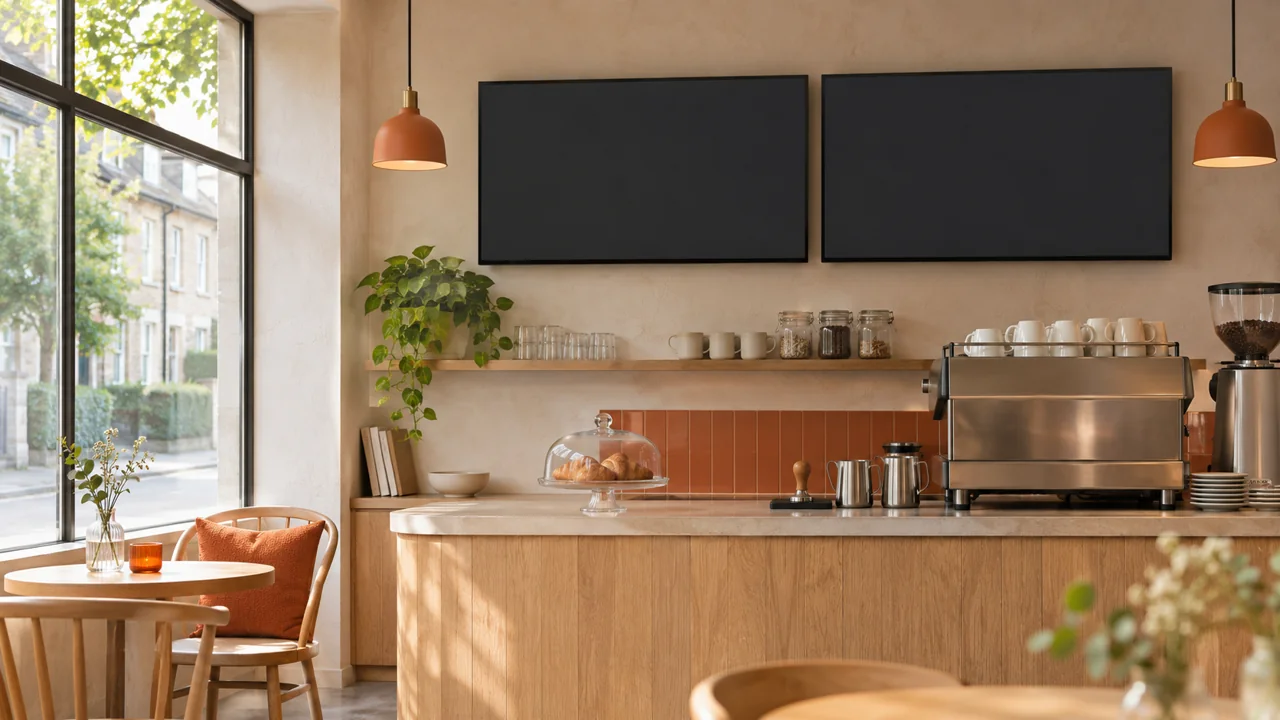
Illustrative neighbourhood café with two displays above the counter
Illustrative venue concept. AI-generated, not a customer installation.

MENU DESIGN SHOWCASE

Toni’s Pizzeria.
The complete picture.

Our menu design work for Toni’s keeps every item on its assigned portrait board. Explore the three compositions without a rotating menu or hidden sections.

Our menu design work for Toni’s Pizzeria, using the latest supplied recordings. Play any board to see its movement. Example prices and availability are shown as captured.

Menu artwork shown as design work. Prices and offers belong to the supplied artwork and are not a current ordering menu. Toni’s name and brand assets belong to their respective owners.

LOOK A LITTLE CLOSER

The detail behind the design.

See the supplied Toni’s boards together, or try the controls in the interactive tour.

TONI’S PIZZERIA

See the food. Feel the difference.

Our supplied Toni’s recordings show how dedicated promotion screens add movement alongside a clear menu.

The offer that earns a look.

Seasonal graphics, appetising food and a clear collection offer.

Make room for something sweet.

A dedicated promotion gives the next part of the order its own moment.

A different shape. The same personality.

The landscape ordering display uses the same food, lettering and graphic language. Your content can work across portrait and landscape screens.

Supplied Toni’s design recordings. The animated tiles show an ordering display, not an ordering integration claim.

Your business. Your look.

Tell us what your customers should see and what your team needs to change. We’ll work from there.

STRAIGHT TO THE POINT

What do you need to know?

Choose a topic or start typing.

How much does it cost?

Bronze £5.95, Silver £6.95 and Gold £7.95 per screen/month, excluding VAT. Self-setup is £0; assisted launch is £149 per location for up to three screens. Equipment and bespoke design are separate.

See all prices

What happens when the internet goes off?

A compatible, powered player can keep showing its complete saved content package. New updates wait for reconnection. Online-only feeds still need internet.

See offline playback explained

Can I keep my current TV?

An HDMI screen can often be reused with a compatible player. Send the exact TV and player model numbers before buying anything.

Check your equipment route

Can I add items, categories and prices?

Yes. Structured menus support items, categories, descriptions, sizes, prices and images. Use the daily controls for price and sold-out changes; use Studio for the design.

Explore menu management

Can I see it working first?

Try the interactive examples for prices, stock, menu items, layers, scheduling and saved playback. No account or card is needed.

Open the interactive tour

Can I schedule offers and content?

Use supported day, date and time controls for prices, featured offers, slides and seasonal packs. Preview the intended time before publishing.

Explore scheduling

How much is setup or design help?

Assisted launch is £149 per location for up to three screens. Bespoke menu design is £195 per screen. Both have defined inclusions and revision rounds; all prices exclude VAT.

Compare the packages

How does it work for a franchise?

Reuse brand packs, assign access by venue and keep local menus, prices and availability separate. Qualifying groups get published software volume discounts.

Explore franchises & groups

Can you connect to my EPOS or ordering system?

Tell us your system and the data you need. We assess API or export access, permissions and scope, then quote any custom development.

Discuss your integration

What support do I get?

Email support for Viewify software, Monday to Friday, 9am–5pm UK time, excluding UK public holidays. We aim to reply within one working day. Creative work and on-site assistance are separate.

Read support & terms

Can different layers animate?

Supported background, menu, visual and overlay elements have separate settings. Use motion where it helps, while keeping essential menu choices readable.

Explore Studio & animation

Can I move from USB or another supplier?

Check equipment ownership, access and content rights. Keep usable artwork and test one screen before changing the rest.

Plan your switch

Is this just for menus?

No. Use content screens for retail promotions, product launches, reception messages and useful customer information too.

Explore other uses

What is the minimum term?

Standard software plans renew monthly, paid in advance. Email before the next renewal to cancel. Access continues until the paid period ends.

Read billing & cancellation

Where can I see everything the product does?

The searchable feature guide covers the dashboard, menus, Studio, motion, scheduling, media, roles, delivery, recovery and more.

Browse every feature

Can we get documents for franchise procurement?

Yes. The proposal can include service terms, a data processing addendum and a deployment schedule covering each legal entity, locations, permissions, support and exit arrangements.

Legal and supplier information

Who controls franchisee data and local changes?

The Order records the legal entities and authorised roles. Central purchasing does not automatically permit access to another franchisee’s data. Confirm publishing, billing and data permissions before rollout.

Plan the agreement

Prefer to browse? Read all questions · Email Viewify